Provide customers, contractors, and stakeholders with secure access to relevant safety data sheets. Control what information is shared and track who accesses your safety documentation.
Or get a free compliance audit
Trusted by industry leaders | See results in 1 day.

Branded URLs, QR stickers on aisles and machines, and SMS or chat deep links open the same read-only library view. Workers get the latest SDS and safety cards in their language without hunting attachments; kiosk and offline caches stay in sync when you publish updates.
| Code | Product | Site / area | Shared route | Open |
|---|---|---|---|---|
| HP-ZN | Hull primer · zinc-rich | Papenburg | QR decal · Hull line toolbox |
Contains DEHP at 12 % w/w. Exceeds REACH SVHC disclosure threshold and RoHS 0.1 % limit.
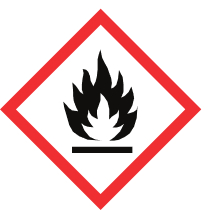
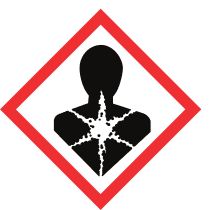
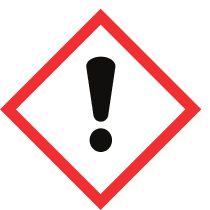
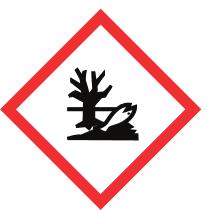
Set your portal name, theme colour, and contact details. Choose which locations are visible, toggle public access, and optionally restrict by IP whitelist — all from a single settings page.
See how Employees browse locations, view products with GHS pictograms, and download SDS documents directly — no login required. Share the portal URL or print the QR code for instant access.
See how
Simplified safety summaries for mobile and print with QR codes.
Central AI-powered library for all your safety data sheets.
Print GHS/CLP compliant labels with QR codes for workplace safety.
Assign chemicals to locations, profiles, and processes for tracking.
No need for complex training - just start uploading your safety data sheets
and we'll organize everything automatically.
Got questions? We've got answers! The essential info about making chemical safety simple and accessible.
No. The safety portal is a public page — anyone with the link can browse locations, view products with GHS pictograms, and download SDS documents without logging in.
Yes. Enter allowed IP addresses in the IP Whitelist field (one per line) and only visitors from those networks can view the portal. You can also toggle public access on or off entirely.
In the portal settings, tick the locations you want visible under 'Visible Locations'. Only selected locations and their assigned products will appear on the public portal.
Yes. REACH Article 35 and OSHA 1910.1200(g)(1) require employers to ensure safety data sheets are readily accessible to workers. A public portal satisfies this requirement without issuing individual logins.